Templating
Most of the text in a pentest report is written more than once. Methodology sections, scope boilerplate, standard caveats and the description of a vulnerability you have found a dozen times before all get retyped, pasted from an old report, or half-remembered. Faction has two ways to stop doing that, and they work in the same place: the rich text editor on assessments and findings.
- Content Templates — saved boilerplate that an assessor drops into any editor with one click, choosing whether it replaces, prepends or appends to what is already there.
- AI Content Generation — admin-written prompts that read the assessment and write a description, a recommendation or an executive summary in your house style, plus a free-form Ask AI box.
- AI Configuration — connect a model provider, write and tune the prompts, enable web search for references, and mask secrets before anything leaves your server.
Where they appear
Both features live behind buttons on the editor toolbar, on the right-hand end:
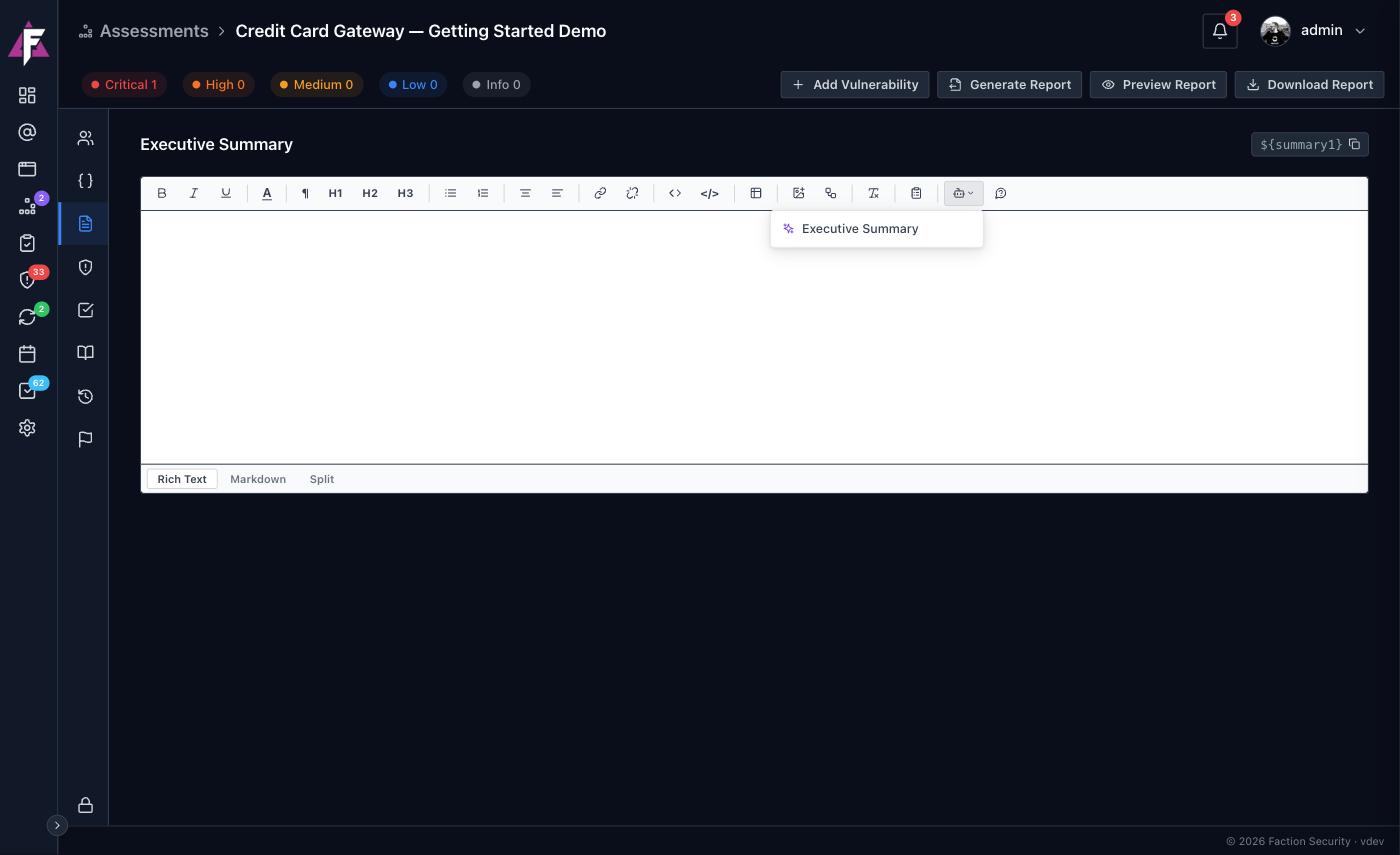
- The template button opens the saved templates that apply to that editor.
- The AI prompts button lists the prompts an administrator has written for that kind of editor.
- The Ask AI button takes a one-off instruction typed on the spot.
Templates and prompts are each tagged as applying to Assessments or Vulnerabilities, so an editor on an assessment tab only ever offers assessment content, and a finding's Description, Recommendation and Details editors only offer vulnerability content.
Included in the open source edition
Content templates, AI prompts and the AI configuration page are all part of OWASP Faction. The only thing you supply is an API key for a model provider.